Integrate Affiliate Conversions Across 6000 Platforms With Zapier
Automatically track and integrate all your affiliate sales and lead conversion data in Zapier and push them further into other marketing tools you use.
How Does The Zapier Affiliate Conversion Integration Work?
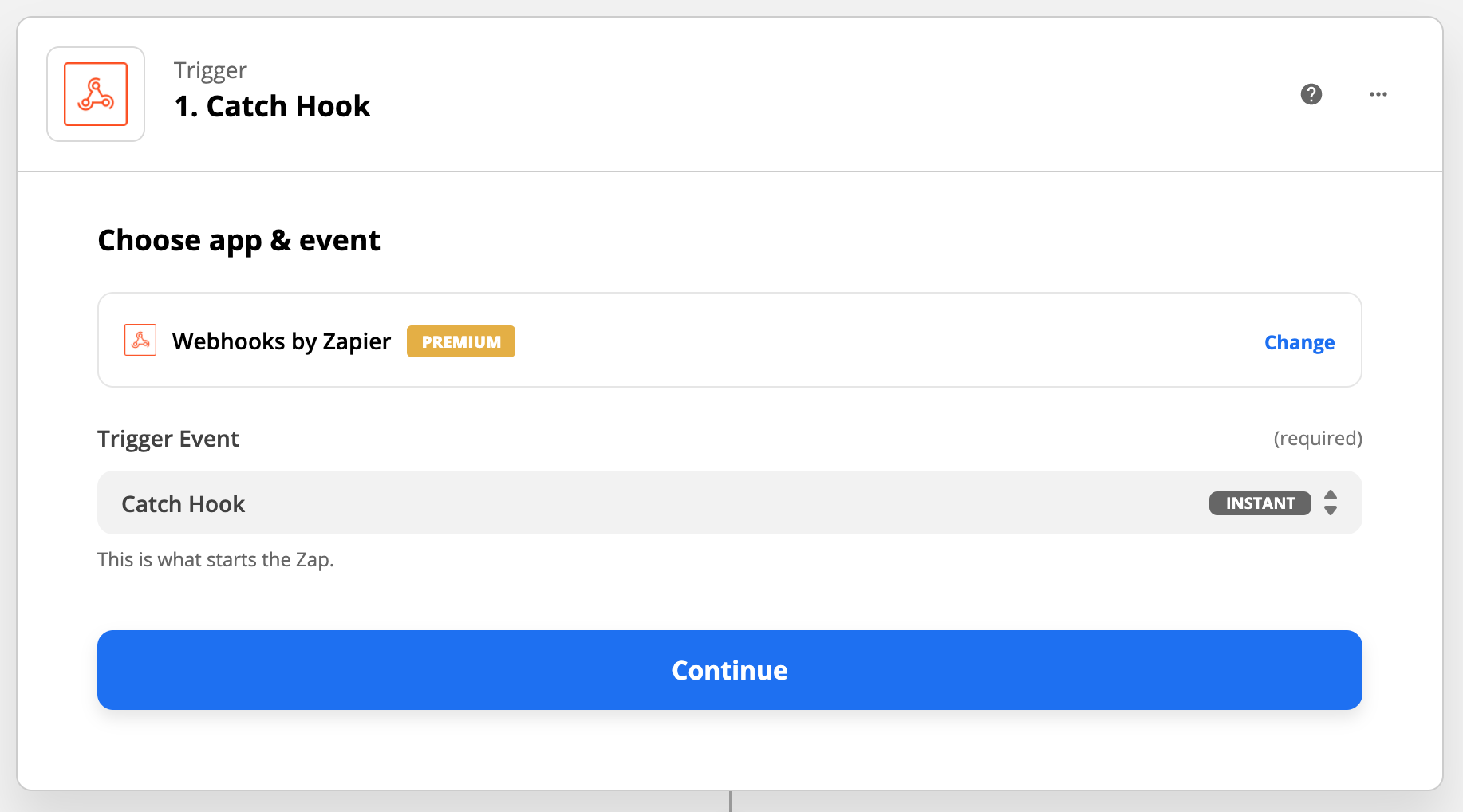
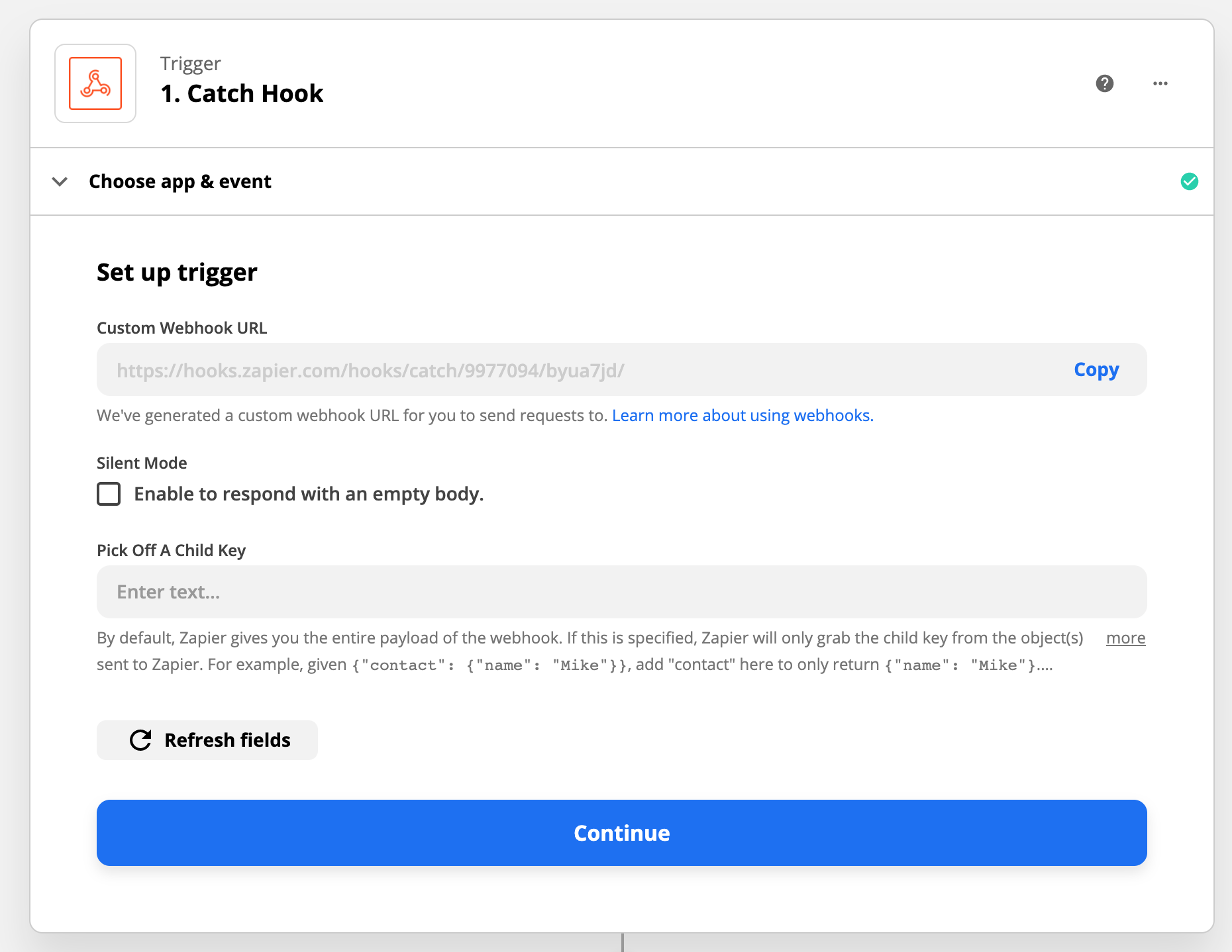
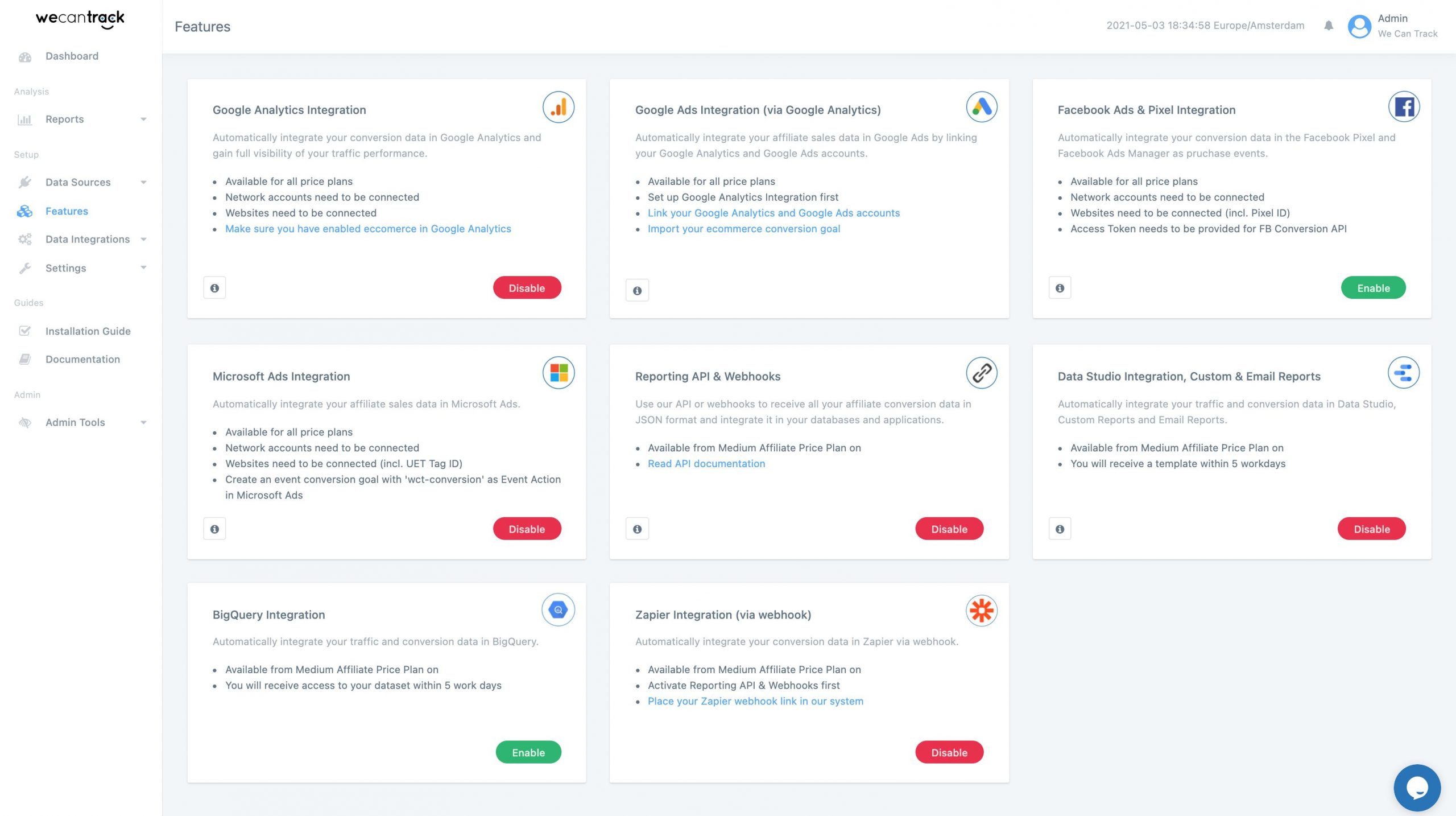
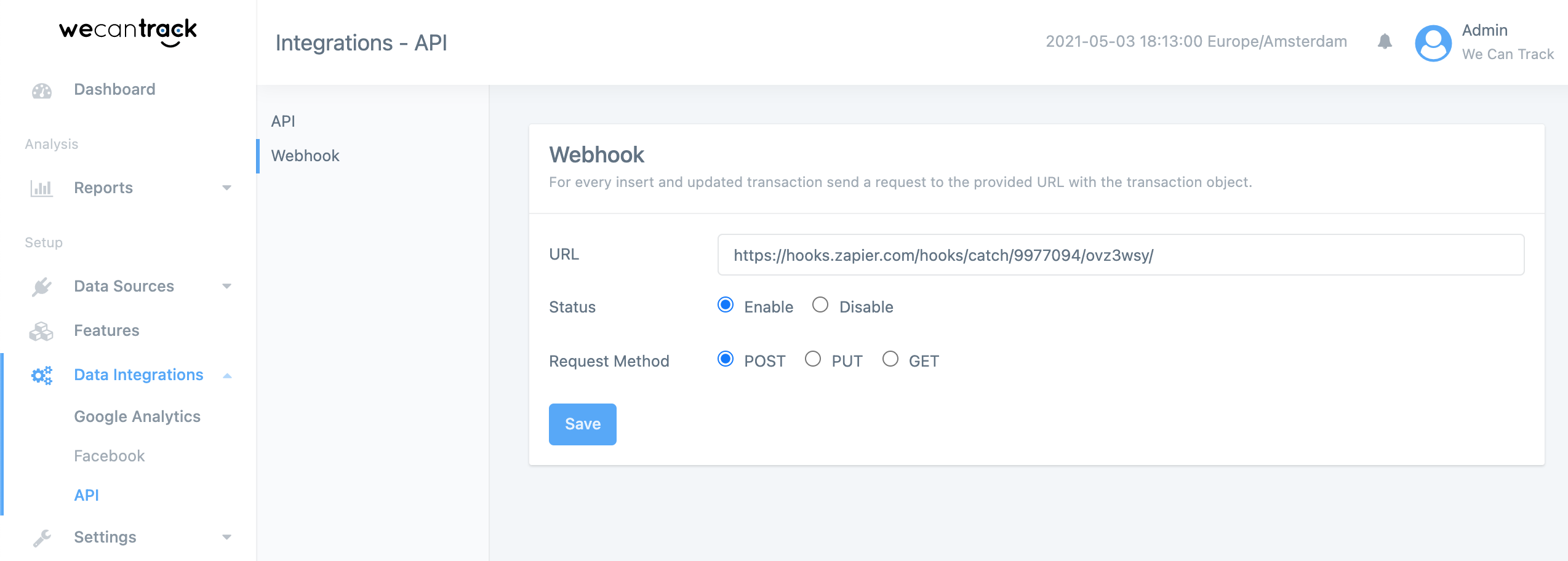
After connecting your affiliate network accounts to our platform via API credentials or Postback URLs, our system will consolidate all your affiliate conversion data. You can then pull that data from our system by using our webhook or transaction API. In order to integrate your affiliate conversion data in Zapier, you will need to create a Webhook Zap which will provide you with a Custom Webhook URL. You can then add this Webhook URL in our Webhook section, which will trigger it whenever a new conversion is registered.
How To Integrate Affiliate Sale Conversions In Zapier
In order to fully install our Zapier Affiliate Sales Integration feature, you need to follow 4 steps.
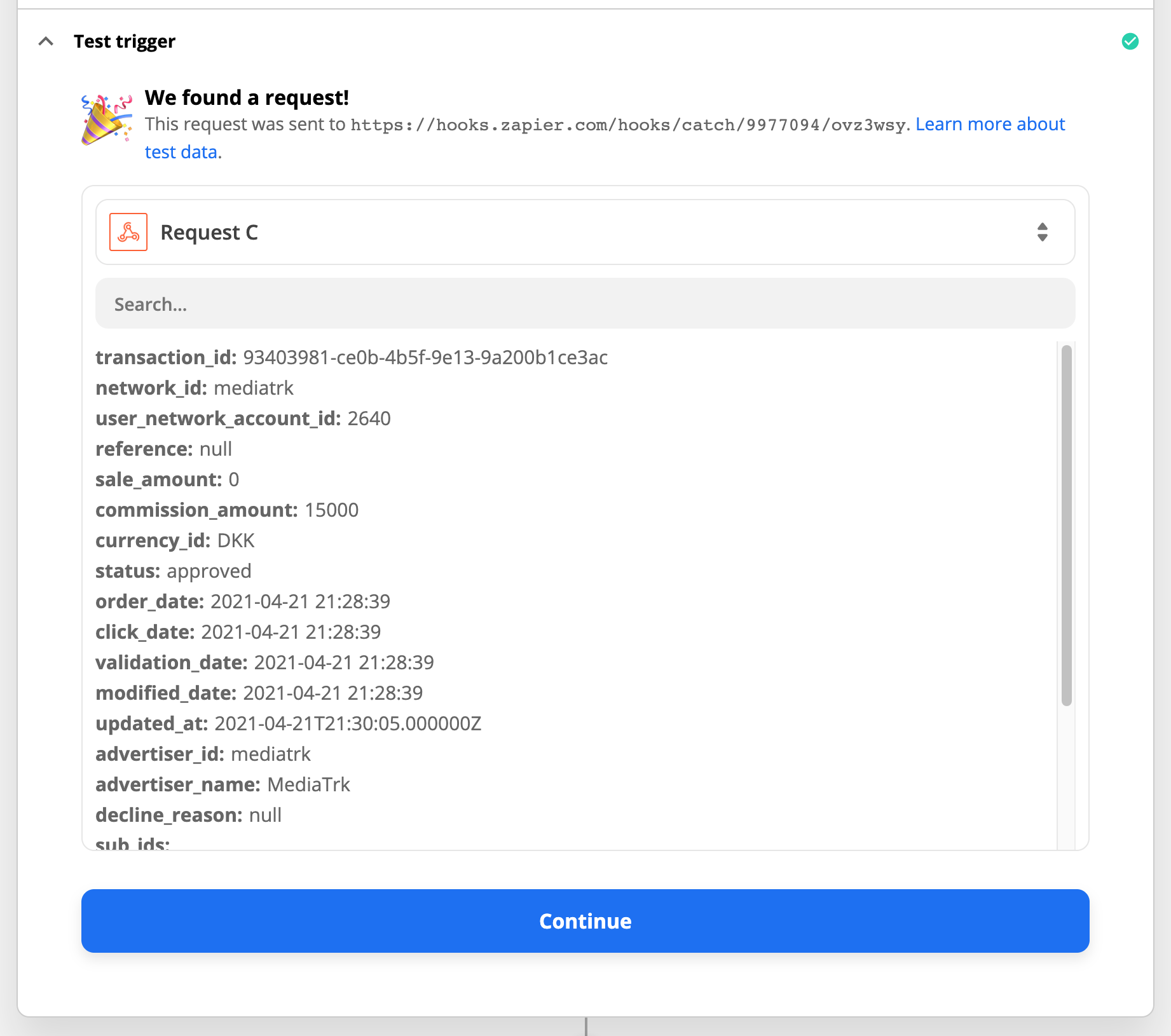
Within Zapier, the trigger test will show a sample of incoming data as soon as a new conversion was registered within wecantrack and pushed to your Zapier Custom Webhook URL. Once that happened you will be able to select the fields you want to use within the destination APP that you set up within Action.
Set up an Action where you define which data should be sent where. In the screenshot you can find an example with Google Sheets.
Benefits Of Tracking Affiliate Conversions In Zapier
Since Zapier has connections with over 3600 apps you can easily push your conversion data to any Apps available, giving you the capabilities to add you affiliate conversion data to almost every tool that you are using. You are already able to accomplish that with our transaction API of course, but if you are not very technical then Zapier will just be a simpler approach to do that. Via Zapier you can for example easily push your affiliate conversions registered within wecantrack to Google Sheet to set up your own reports.