
Connect all your Everflow affiliate sales and lead data with custom dashboards and integrate it in your marketing tools so you can focus on improving your campaigns and marketing performance.


Would you like to integrate your Everflow affiliate sale and lead conversions in Google Analytics, Google Ads, Facebook, Microsoft Ads, Taboola, Outbrian, Revcontent, BigQuery and Data Studio? Then we have the perfect solution for you!
All you need to do to integrate Everflow conversions in Google Analytics and other marketing tools, we will attribute your affiliate conversion data to your traffic data. Our system will do that automatically once you placed our JavaScript tag or installed our WordPress plugin on your website and placed our Everflow Postback URL in your Everflow affiliate network account.
The installation is done in four simple steps:
You will only need to generate a Postback URL on our platform and then place it in your Everflow affiliate network account. You can generate your Everflow Postback URL here: https://app.wecantrack.com/user/data-source/networks/everflow/accounts/create
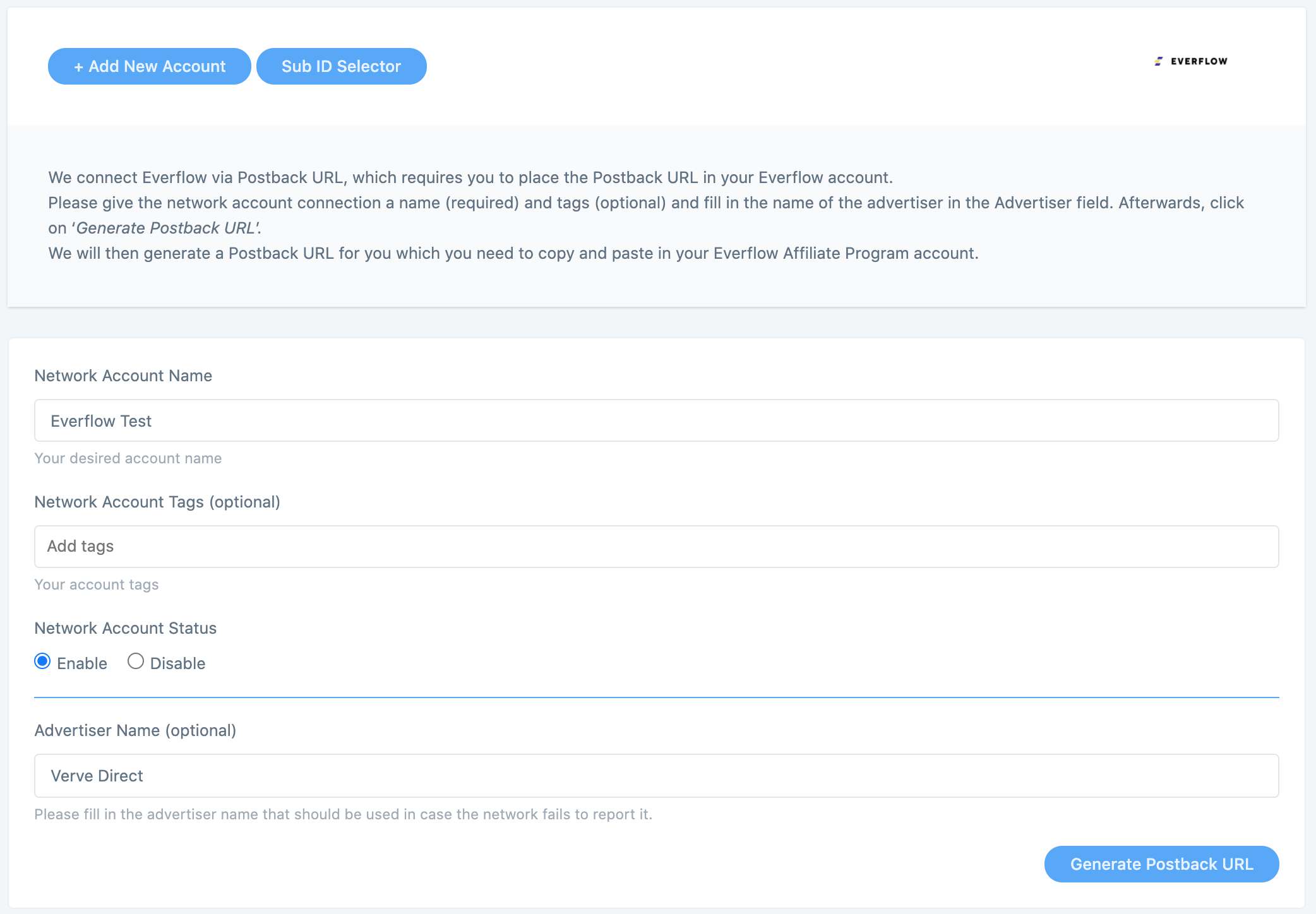
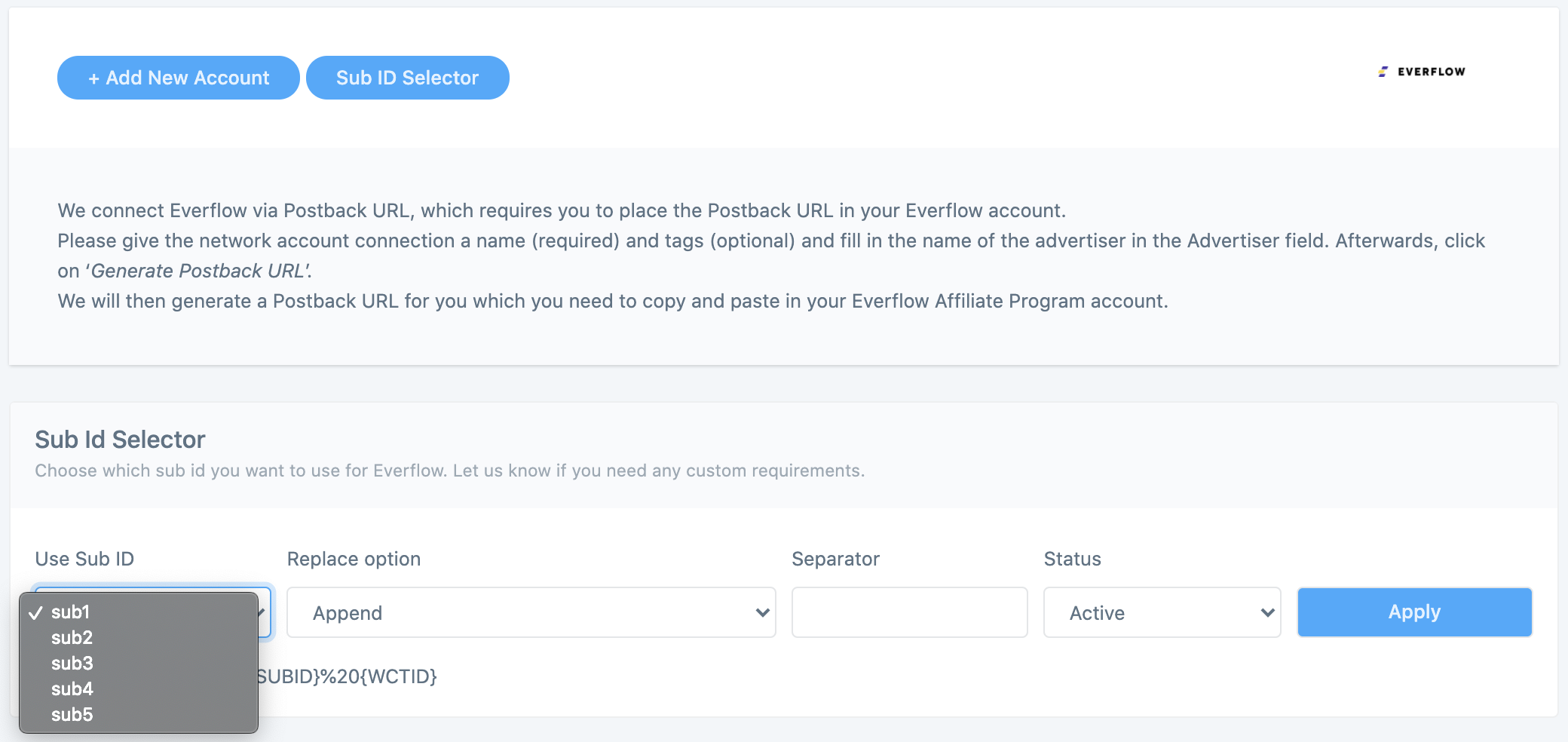
Once you fully connected your Everflow accounts to wecantrack you have the possibility to let us integrate your conversions in your Google Analytics accounts. To accomplish that only two more steps are needed (JavaScript insertion and Ecommerce activation in Google Analytics accounts) which should not take longer than 10 minutes.
Would you like to get more information on how to automatically import affiliate conversion data in Google Analytics? On our Google Analytics Integration page you can find everything you need to know about connecting affiliate networks with Google Analytics:You can choose from different methods to integrate your Everflow conversions into your Google Ads account, campaigns, keywords, adgroups and ads. With wecantrack you have available a Direct Google Ads integration, a Google Ads Integration via Google Analytics and an offline conversion import option. You can find out all about the setup required and the difference between them in our Google Ads integration page.
Grow your affiliate income with affiliate conversion tracking in tools like Google Analytics, Google Ads, Microsoft Ads, Facebook Ads and more.