Resources
›
›
…

LinkedIn Tracking Guide

Requirements

How to track LinkedIn campaigns in wecantrack & GA?

You can use UTM parameters to track your LinkedIn campaigns in the wecantrack dashboard and within Google Analytics. You only need to add UTM parameters to the destination URLs you place in your LinkedIn ads, similar to this example:

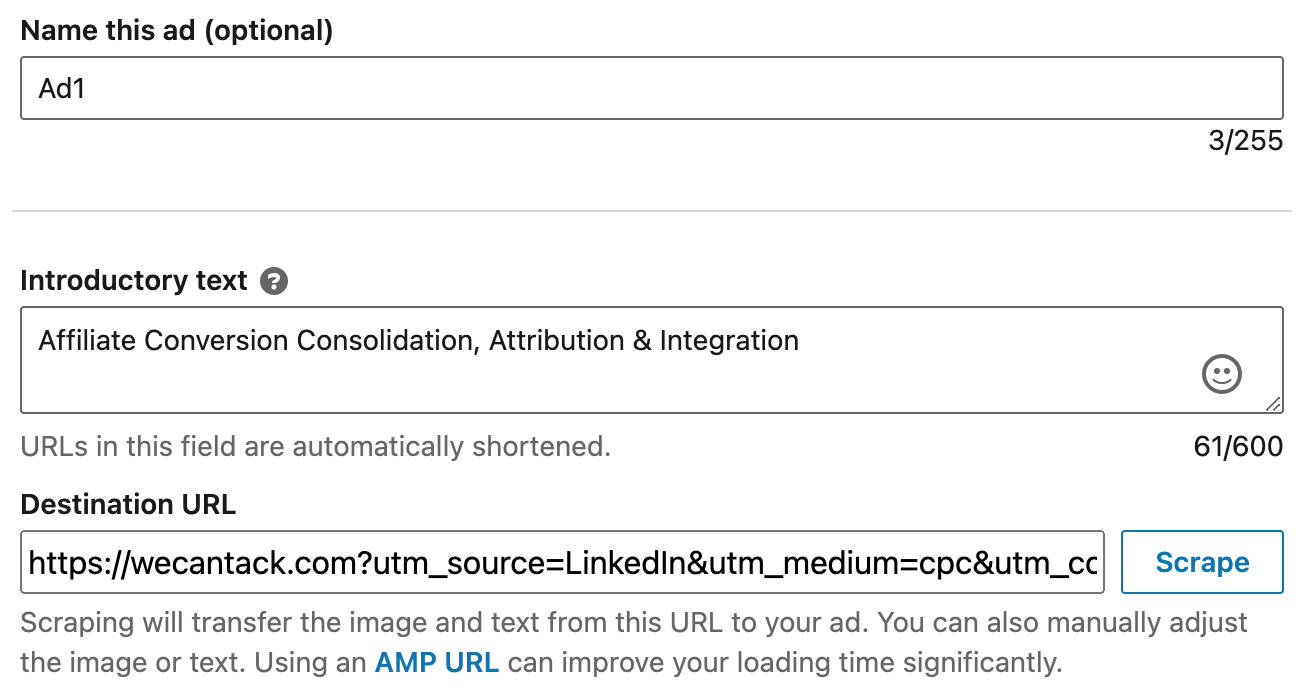
				
					https://example.com?utm_source=LinkedIn&utm_medium=cpc&utm_campaign=campaign1&utm_content=ad1


UTM Link Builder

You can use this UTM link builder to generate your UTM link. Simply fill in the fields and click on ‘Add UTM Parameters’.

Related setup guides

Google Analytics

Send affiliate conversions to GA4

Google Ads

Track affiliate sales in Google Ads

Facebook Ads

Server-side conversions to Meta

Looker Studio

Visualise your affiliate data