›
›
…

Revcontent Integration Guide

After you have created your wecantrack account, connected your affiliate networks and websites our system will be able to track your traffic data and attribute your conversion data to it. Because of that we will be able to integrate your affiliate conversions in Revcontent via Postback URL.


Requirements

Revcontent Integration step by step guide

  • Within Revcontent, go to Account Settings
  • At the bottom of that page you can find your API Key
  • Please add that key in the relevant website form in our platform
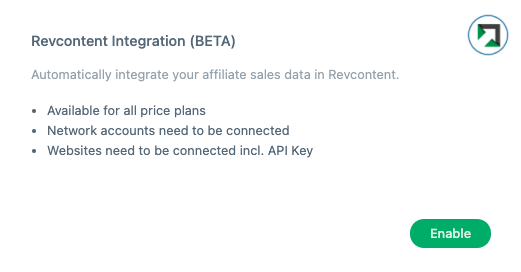
  • Within wecantrack, go to Features and activate the ‘Revcontent Integration’ feature.

Revcontent Integration Video Guide

That’s it!

From now on your affiliate conversions coming from Revcontent campaigns will automatically be integrated in Revcontent.

Related setup guides

Google Analytics

Send affiliate conversions to GA4

Google Ads

Track affiliate sales in Google Ads

Facebook Ads

Server-side conversions to Meta

Looker Studio

Visualise your affiliate data